# SLA %
The **SLA %** statsboard report adds a reusable card for **SLA %**. Use it inside **Status > Statsboards** when the selected tenant needs this metric on a custom operations board.
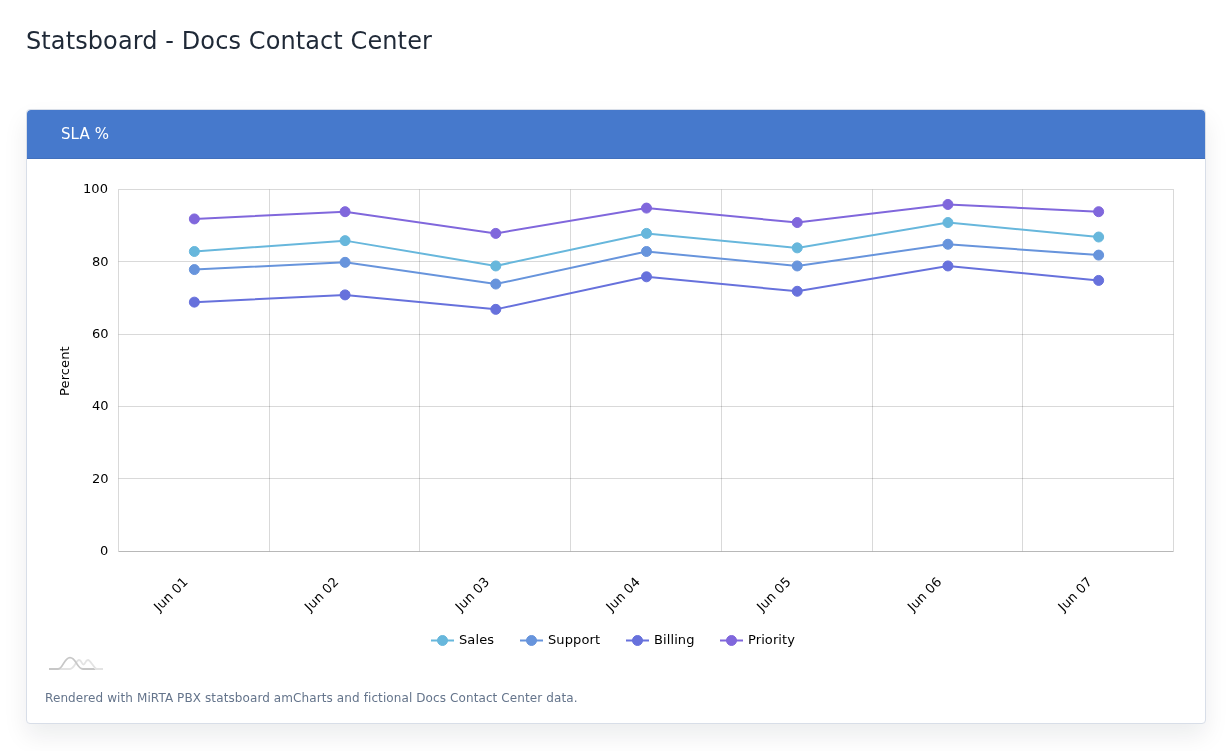SLA % example with fictional data.## Configuration
Field
Value
Statsboard box type
`QUEUE_METRIC`
Metric
SLA %
Data source
Queue Log
Display
Multi-queue time-series chart.
## Calculation
Answered queue calls within servicelevel seconds divided by entered calls, multiplied by 100.
## When To Use
Tracks service-level compliance using the queue service level when available.
## Notes
- The screenshot is rendered with MiRTA PBX statsboard amCharts and fictional Docs Contact Center data.
- The report follows the date range selected when opening the statsboard.
- Queue reports can be limited to selected queues, or left empty to include all queues for the tenant.