
Configuring Google Drive as Recording Storage
You can use Google Drive as a Recording Storage only inside a Shared Drive created in Google Workplace. A normal, personal, GMail account cannot use the Google Drive as Recording Storage.
Access the Google Cloud Console
Access your Gmail account then connect to https://console.cloud.google.com/
Accessing the Google Drive from an application requires a paid subscription to Google
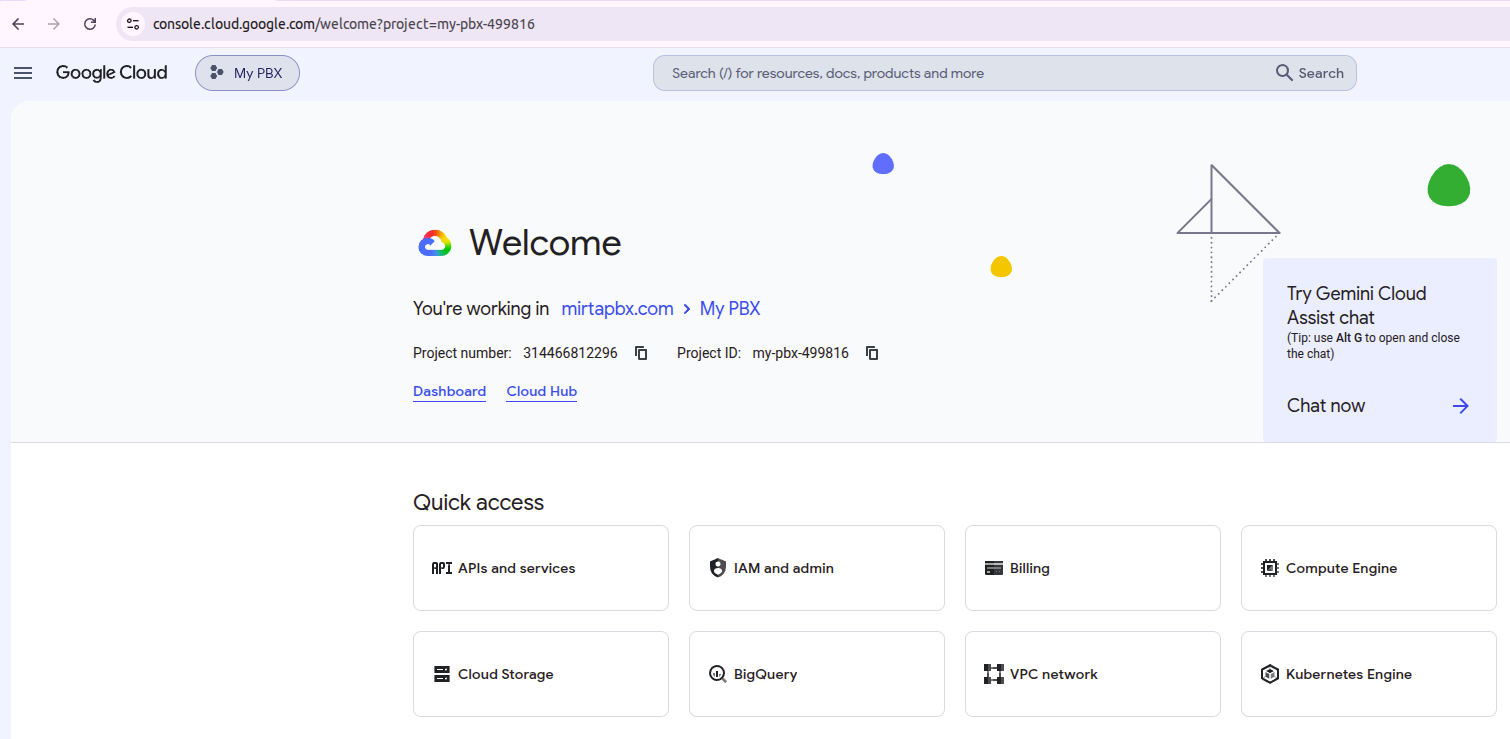
Create or select a project. Do not chose "My First Project", but create a new project if needed. The "My First Project" has several limitation.
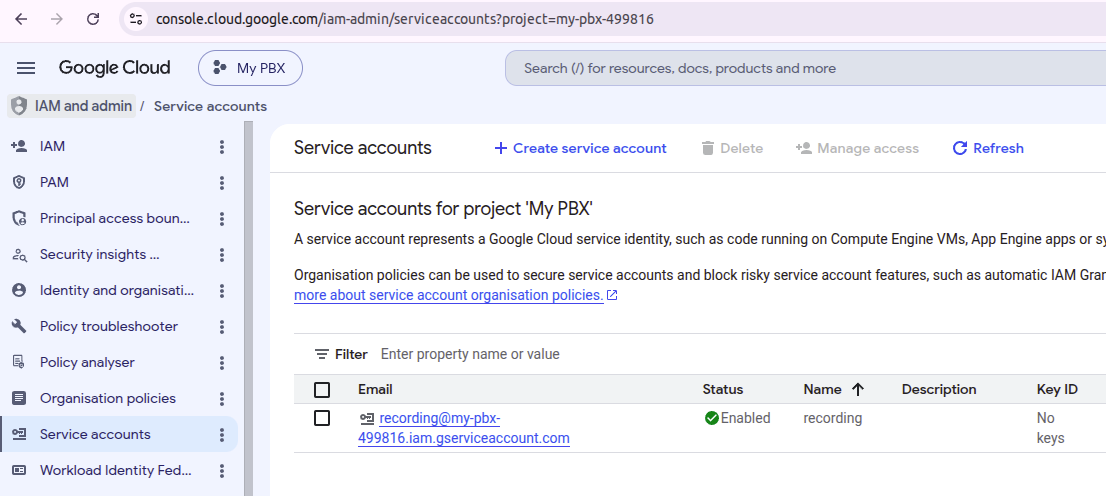
PleaseCreate doublea checkService toAccount by going in the Service accounts section
Choose Manage keys from the three doc Actions Menu on the right. Create a new JSON key and store it safely.
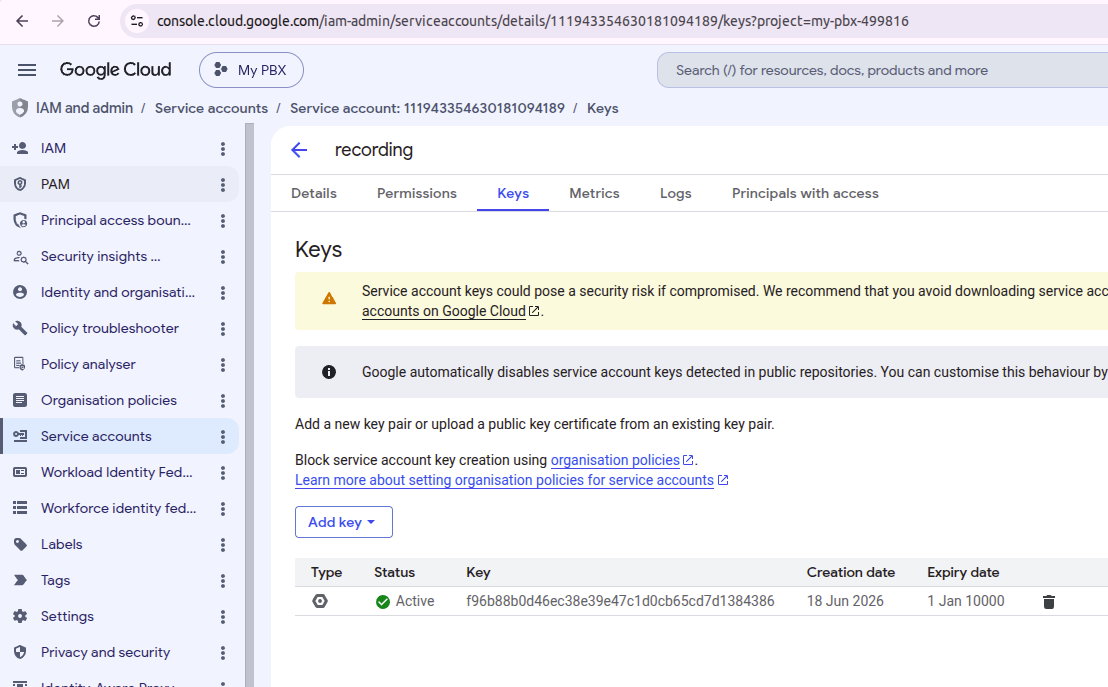
Using the private key
Now you have the "Serviceprivate Accountkey Keysaved Admin".to your computer
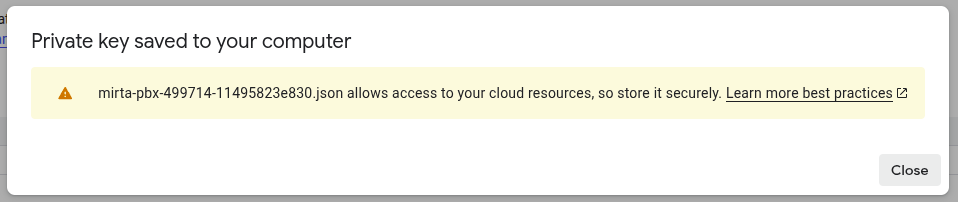
The private key will be downloaded once to your computer and cannot be downloaded again. It needs to be regenerated if lost.
Enable API access
From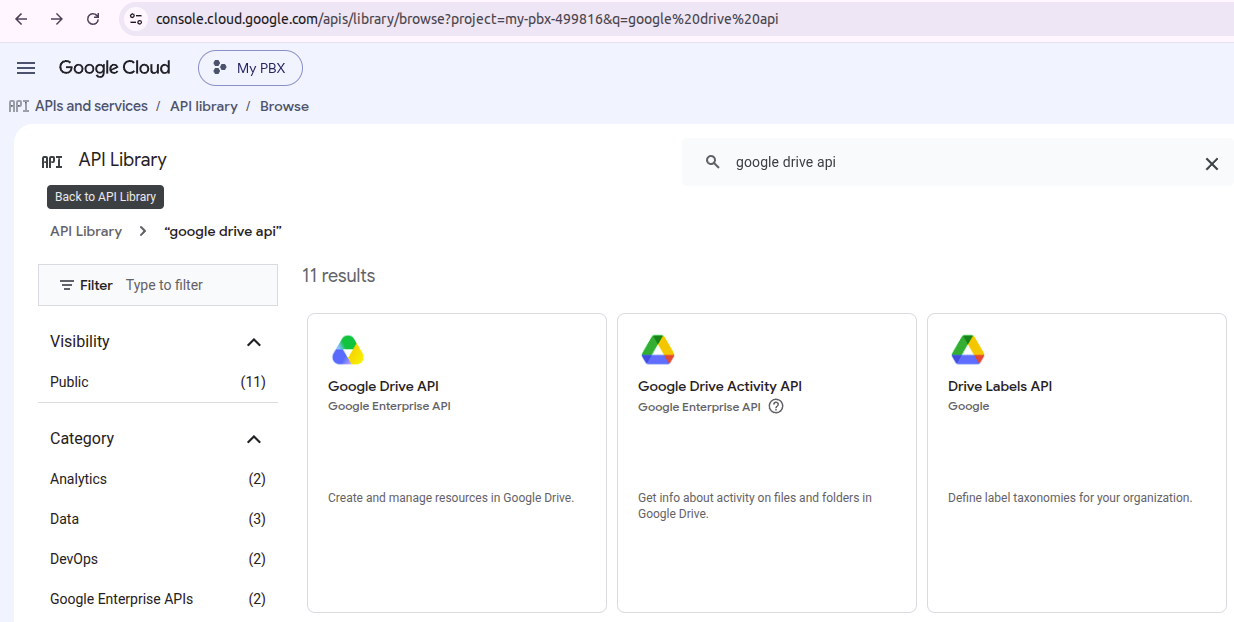
Create the topshared leftDrive
In the "EnabledGmail APIs & services" and then choose "Credentials" andaccount, create a Shared Drive.
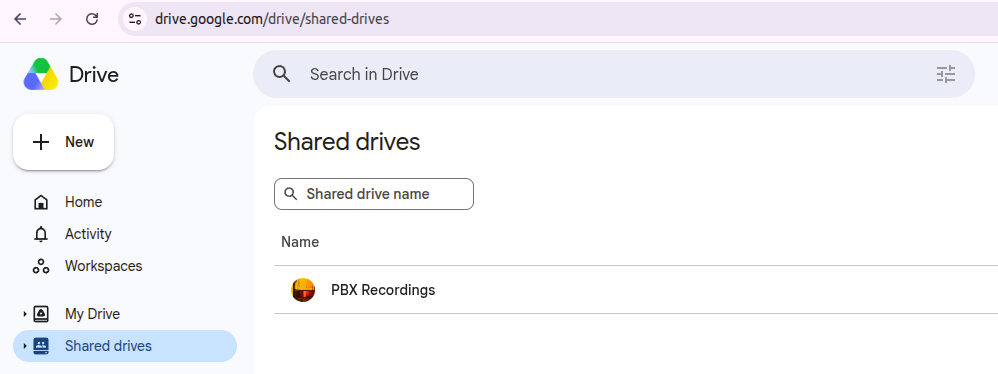
https://drive.google.com/drive/folders/0ADYbcKYesgiXUk9PVA
Take note of the shared drive ID by accessing it and looking at the address bar. For this folder the shared directory ID is 0ADYbcKYesgiXUk9PVA
Share the shared drive with the service account.account Iyou have created a "recordings" service account
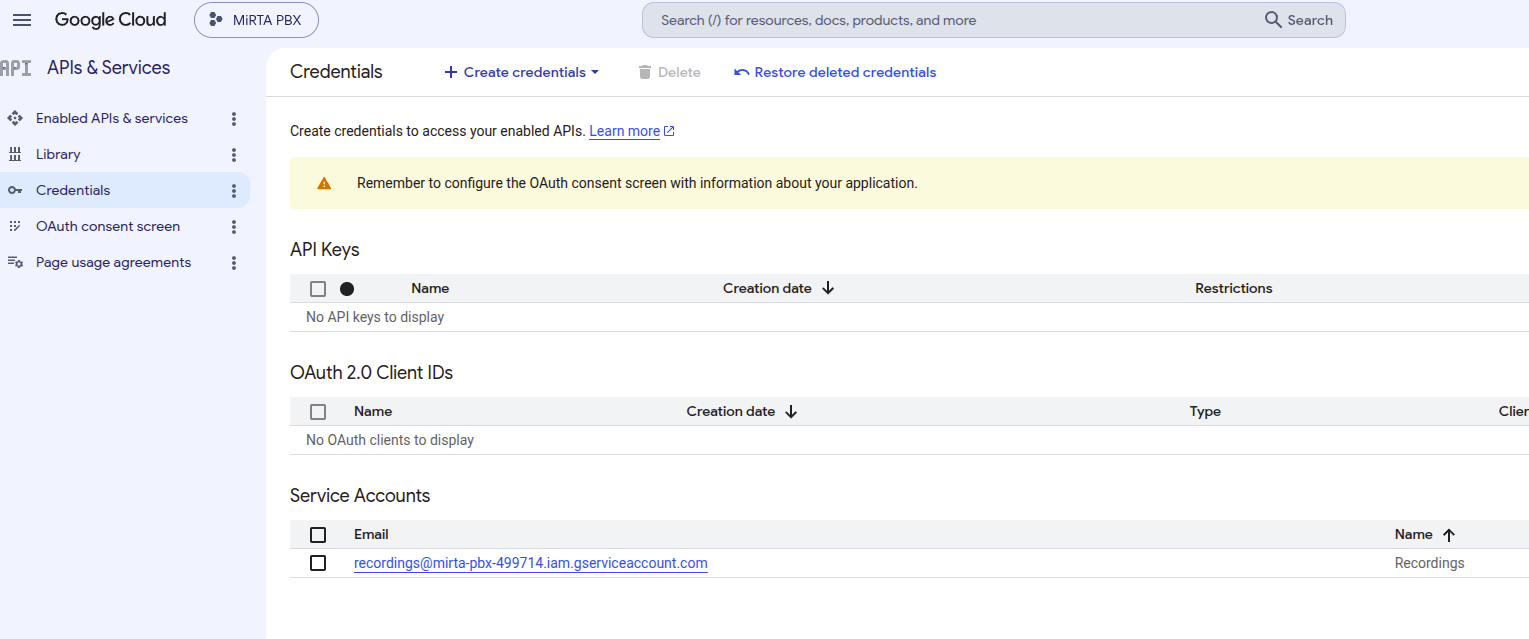
Presscan onfind the service account email andinside thenthe Add aJSON key type JSON.downloaded
"client_email": "recording@my-pbx-499816.iam.gserviceaccount.com"
Configure the data in the MIRTA PBX
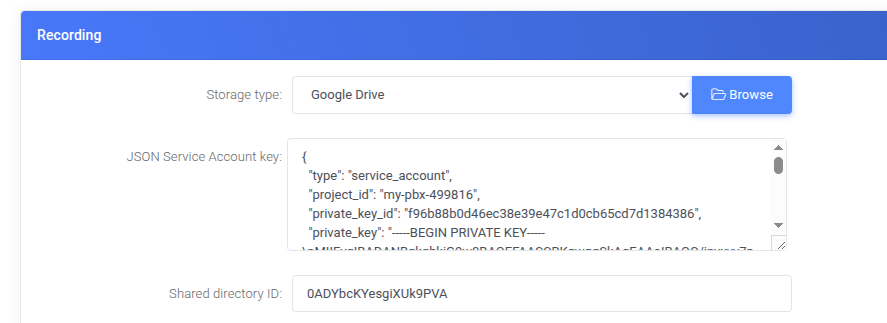
To be continued
roles/orgpolicy.policyAdmin