Provisioned Phones
Review phones that have requested provisioning files.
Use Admin > Provisioned Phones to manage provisioned phones.
This page is a starting point for administrators: review existing records, add only the objects needed by the deployment, and keep names consistent across tenants, routing, and provisioning.
Typical Workflow
Documentation Example
For documentation and testing, use names prefixed with Docs Demo. Existing PBX nodes should be reused as examples; do not create additional nodes unless the deployment actually requires them.
Phone Descriptions
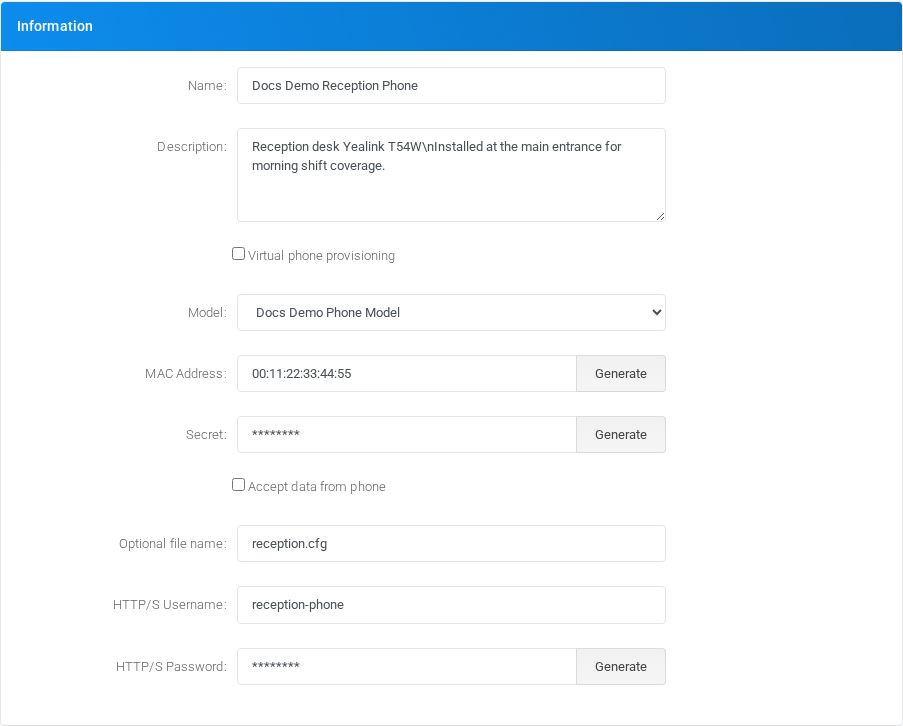
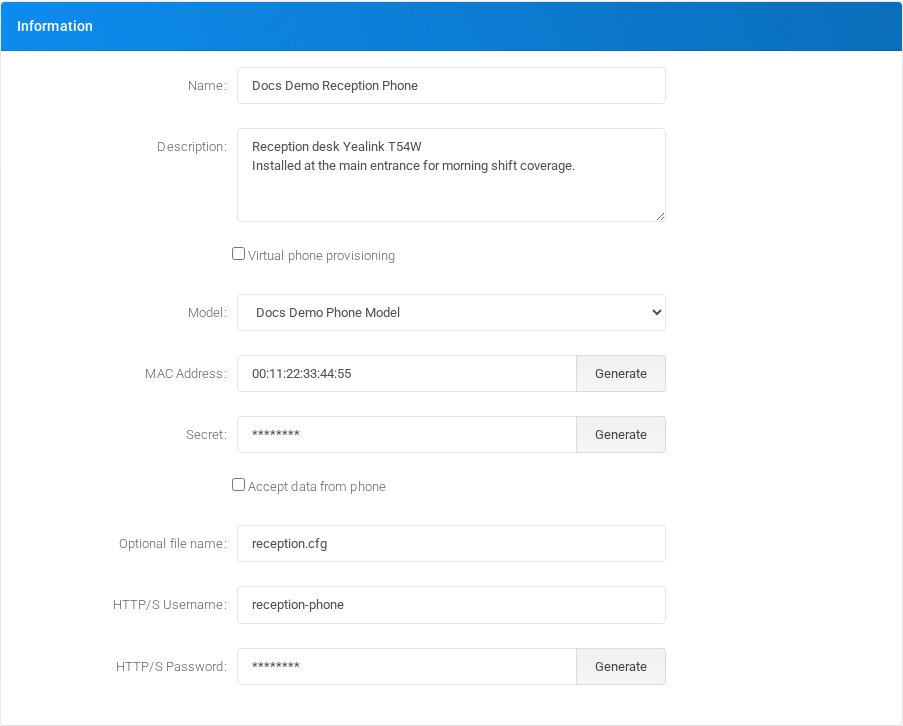
Provisioned phone records can include a Description value for administrator notes, such as the device location, responsible person, or installation context. The field is stored on the phone record only and does not change generated provisioning files or call behavior.