
Campaign Numbers
The Campaign Numbers page manages the destination numbers attached to a selected voice, SMS, or fax campaign. Open it from Configuration > Call/SMS/FAX Campaigns by selecting Manage numbers for the campaign.
The page uses the tenant selected in the top bar. The screenshots below use fictional campaign data for documentation.
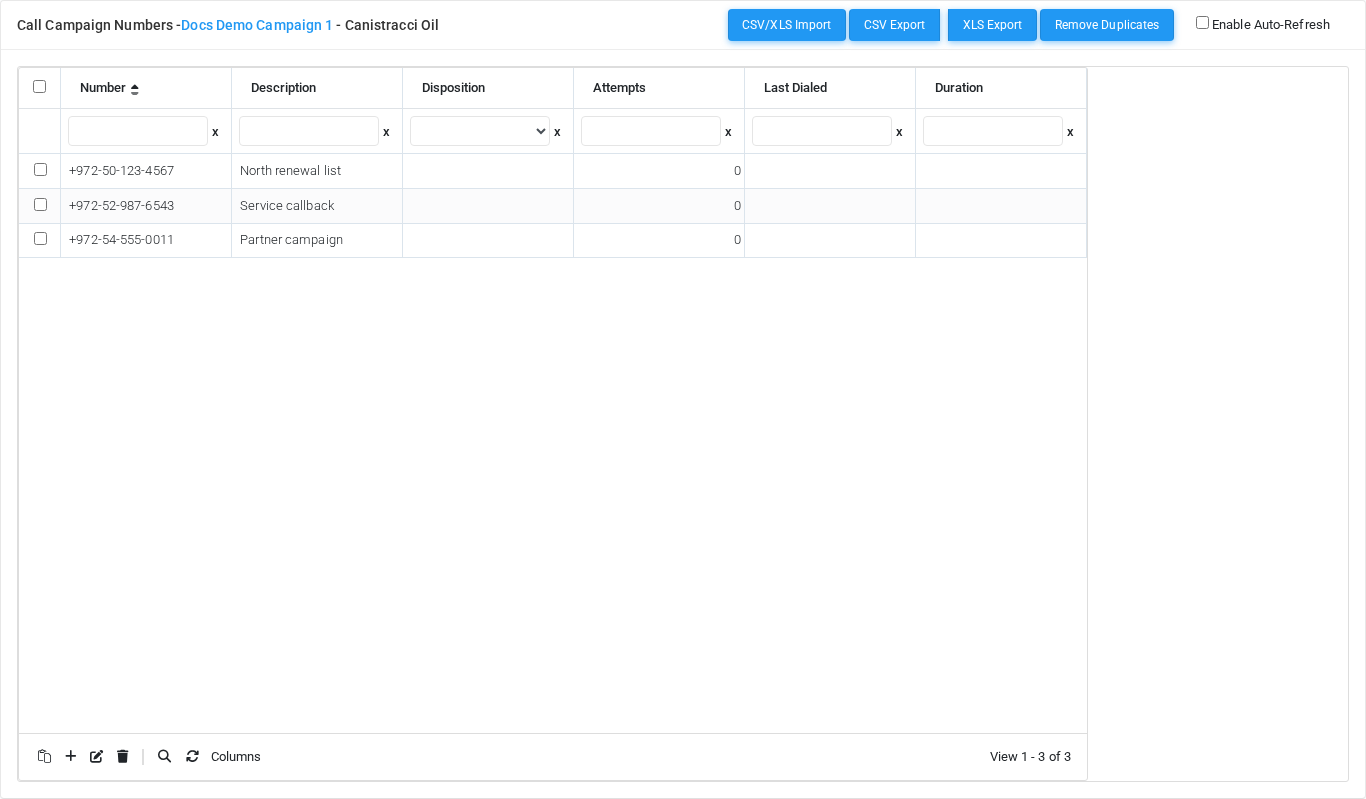
Working with campaign numbers
| Task | How to do it |
|---|---|
| Add one number | Use the grid add control, enter the phone number and optional fields, then save. |
| Edit | Select the existing row and use the grid edit control. |
| Delete | Select one or more rows and use the grid delete control, then confirm. |
| Bulk import | Select the paste icon in the bottom grid toolbar, paste the numbers, and select Import. |
Bulk paste import
The paste icon opens a modal window designed for large lists copied from a text file, spreadsheet, or CRM export. Paste one phone number per line for a simple import.
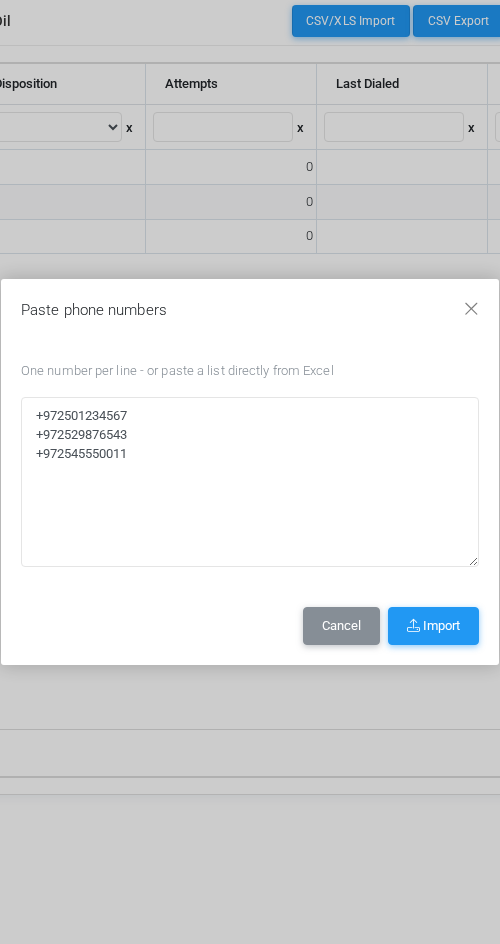
When pasting from a spreadsheet, MiRTA PBX reads tab-separated columns in this order:
| Column | Imported field |
|---|---|
| 1 | Phone number |
| 2 | Description |
| 3 | Disposition |
| 4-13 | Custom fields F1 through F10, when those fields are used by the campaign type. |
Import behavior
- Blank lines are ignored.
- The campaign maximum number limit is enforced during import.
- If the limit is reached, MiRTA PBX imports the allowed rows and reports how many rows were skipped.
- Each imported number is recorded in activity logging as an insert.
- The paste shortcut directly on the grid uses the same bulk import behavior.
- The import does not remove duplicates automatically; use Remove Duplicates after import when needed.
Related actions
| Action | Description |
|---|---|
| CSV/XLS Import | Opens the structured file import workflow for campaign numbers. |
| CSV Export / XLS Export | Exports the current campaign number list when export permissions are enabled. |
| Remove Duplicates | Removes duplicate campaign number entries from the selected campaign. |
| Enable Auto-Refresh | Refreshes the grid periodically while campaign processing is active. |