
Create and Edit Call, SMS, and Fax Campaigns
Use this page when creating a new campaign or editing an existing campaign from Configuration > Call, SMS, and Fax Campaigns.
The form screenshots below are separated by block where the application exposes separate sections. Complete the required values, review routing or destination references, and save the record.
Form sections
| Section | Description |
|---|---|
| Information | Core identity and routing fields for the object. |
| Voice | Voice calling behavior, caller handling, recording, and voice-specific limits. |
| Parameters | Additional runtime parameters used by the object. |
Information
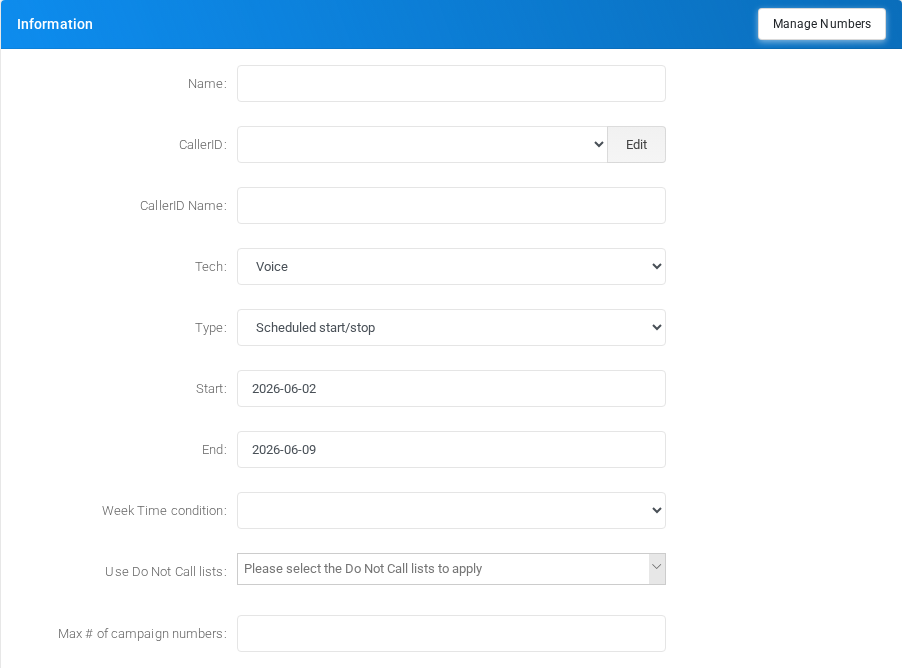
Core identity and routing fields for the object.
Voice
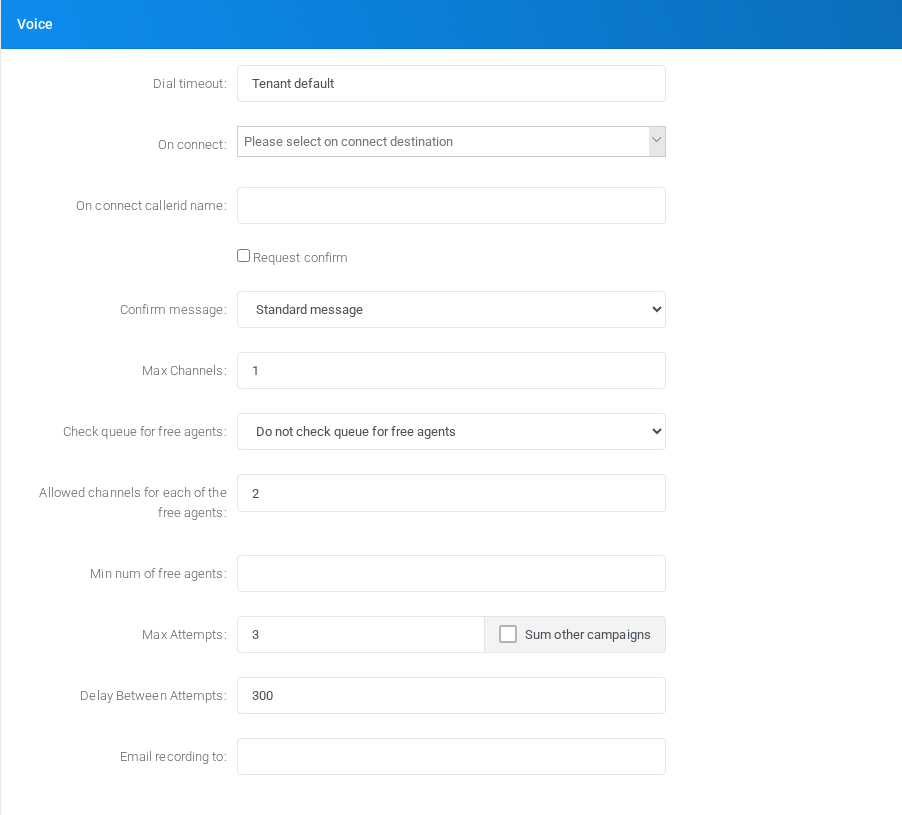
Voice calling behavior, caller handling, recording, and voice-specific limits.
Parameters
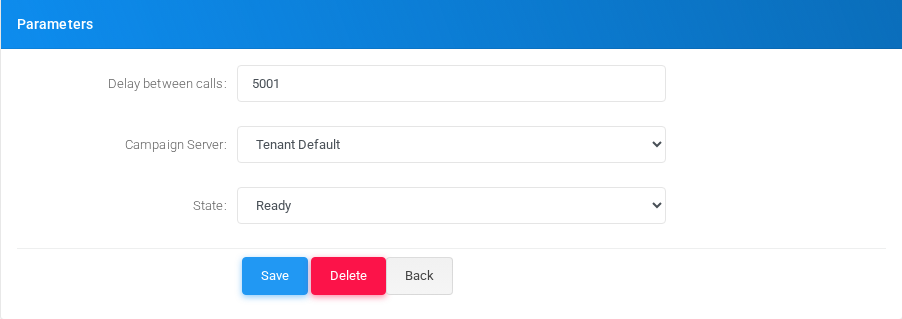
Additional runtime parameters used by the object.
Main fields
| Field | Description |
|---|---|
| Name: | Display name used in lists and references. |
| CallerID: | Caller ID or caller matching value. |
| CallerID Name: | Display name used in lists and references. |
| Tech: | Object setting shown by the form. |
| Type: | Mode selector that changes the behavior of the object. |
| Start: | Object setting shown by the form. |
| End: | Object setting shown by the form. |
| Week Time condition: | Object setting shown by the form. |
| Max # of campaign numbers: | Dialed value, identifier, or matching value used by the PBX. |
| Dial timeout: | Timing value used by the service. |
| On connect callerid name: | Display name used in lists and references. |
| confirm | Object setting shown by the form. |
| Confirm message: | Object setting shown by the form. |
| Max Channels: | Object setting shown by the form. |
| Check queue for free agents: | Object setting shown by the form. |
| Allowed channels for each of the free agents: | Object setting shown by the form. |
| Min num of free agents: | Object setting shown by the form. |
| Max Attempts: | Object setting shown by the form. |
| Sum other campaigns | Object setting shown by the form. |
| Delay Between Attempts: | Timing value used by the service. |
| Always Record: | Recording behavior or recording delivery setting. |
| Email recording to: | Email address used for notifications, delivery, or mailbox access. |
| Minimum Size (bytes): | Object setting shown by the form. |
| Fax quality: | Object setting shown by the form. |
| Page size: | Object setting shown by the form. |
| Page rotate: | Object setting shown by the form. |
| File in PDF or TIFF format: | File upload or file name used by the object. |
| Message: | Object setting shown by the form. |
Saving and deleting
| Task | How to do it |
|---|---|
| Create | Select the new action from the Call, SMS, and Fax Campaigns list, fill the required fields, and select Save. |
| Edit | Open the existing campaign, update the needed fields, and select Save. |
| Delete | Before deleting a campaign, check call-flow, destination, schedule, report, provisioning, or integration references. Use the row delete action or the form delete action when available, then confirm. |