The DIDs page manages inbound telephone numbers assigned to the selected tenant, including voice, fax, SMS, privacy, recording behavior, and recordingrouting behavior.destinations. Open it from Configuration > DIDs.
The page works against the tenant currently selected in the top bar. The screenshots and demo rows were captured in the Canistracci OILOil tenant.
Display modes
The DIDs page can be shown in DataTable mode or jqGrid mode. Use the display mode toggle in the toolbar to switch between them.
DataTable mode
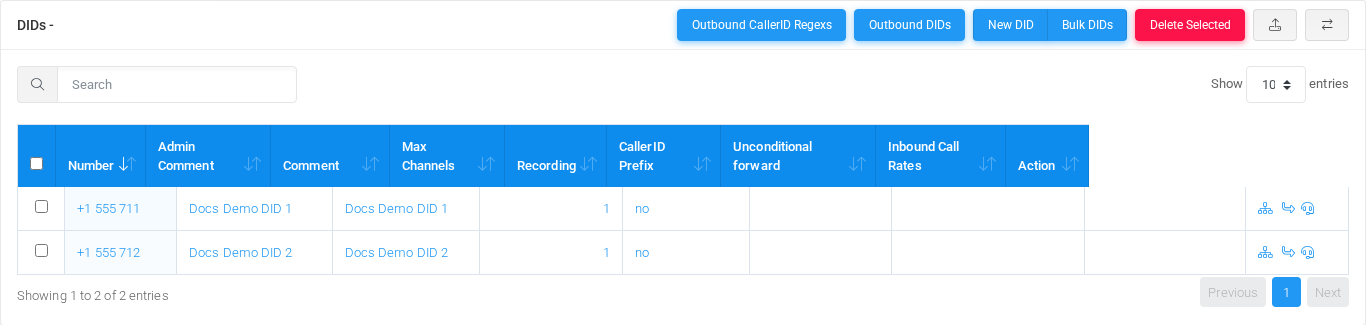
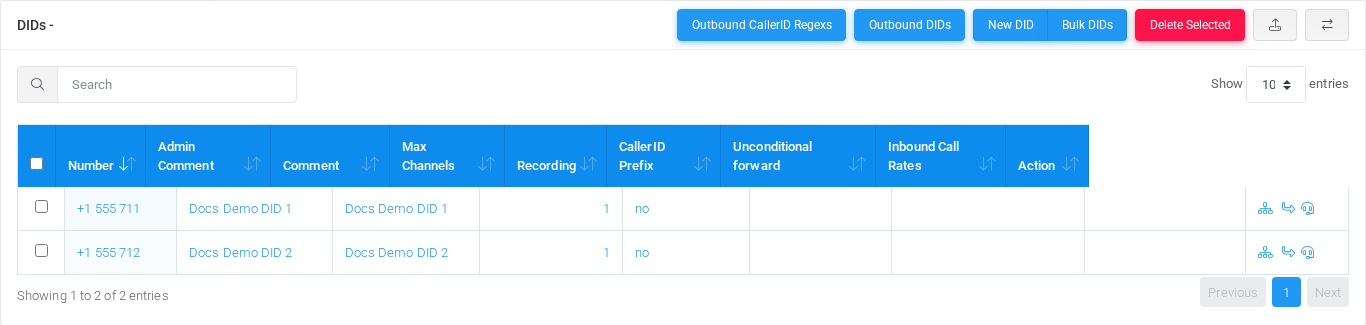
DIDs page in DataTable display mode.
DataTable mode shows the standard table with search, sorting, page-size selection, row checkboxes, and bulk actions.
jqGrid mode
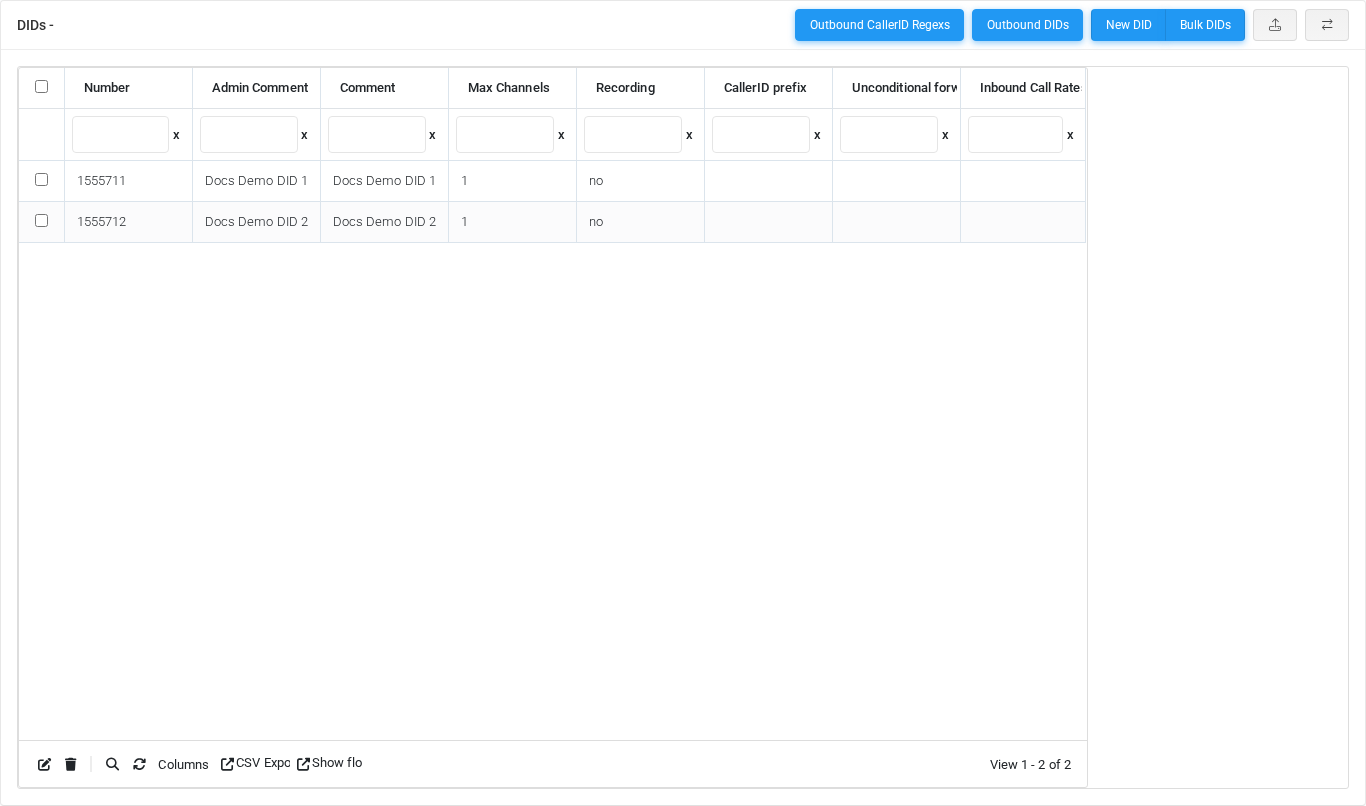
DIDs page in jqGrid display mode.
jqGrid mode shows the same DID records in an advanced grid with column filters and grid toolbar actions.
Working with objectsDIDs
Task
How to do it
Add
Select the New DID action, complete the form, and select Save.
Edit
Open the DID from the list by selecting its name, number, or row action. Change the form and select Save.
Delete
Select the row checkbox and use Delete Selected, or open the DID and select Delete, then confirm.
Page functions
Action
Description
Outbound CallerID Regexs
RunsOpens the OutboundDID CallerIDcaller RegexsID action.rewrite rules used for outbound caller ID presentation.
Outbound DIDs
RunsOpens the Outboundoutbound DIDsDID action.management view.
New DID
Opens the creation form for a new did.DID.
Bulk DIDs
RunsOpens the Bulkbulk DIDsDID action.creation tool.
Delete Selected
Deletes the selected rows after confirmation.
CSV/XLS Upload
Opens import or upload tools for bulk DID data.
Enable jqGrid
Switches the table display mode for advanced grid controls.
Divert
RunsOpens the Divertdivert action.action for selected DIDs when available.
List columns
Column
Description
Number
DialedThe value,inbound identifier,number or matching value used by the PBX.value.
Admin Comment
AdministrativeInternal administrator note shownfor inthe lists and reports.DID.
Comment
AdministrativeTenant-facing or operational note shownfor inthe lists and reports.DID.
Max Channels
ObjectMaximum settingsimultaneous shownchannels byallowed for the form.DID.
Recording
Recording behaviorpolicy orshown recordingfor deliveryinbound setting.calls on the DID.
CallerID Prefix
DialedPrefix value,applied identifier,to inbound caller ID number or matching value used by the PBX.name.
SectionDescriptionInformationCore identity and routing fieldsavailable for the object.VoiceVoice calling behavior, caller handling, recording, and voice-specific limits.FaxFax handling, quality, storage, delivery, and fax-specific transport settings.SMSSMS protocol, message handling, and field mapping settings.Third party integration - Additional fieldsSettings shown in the Third party integration - Additional fields block.
Information
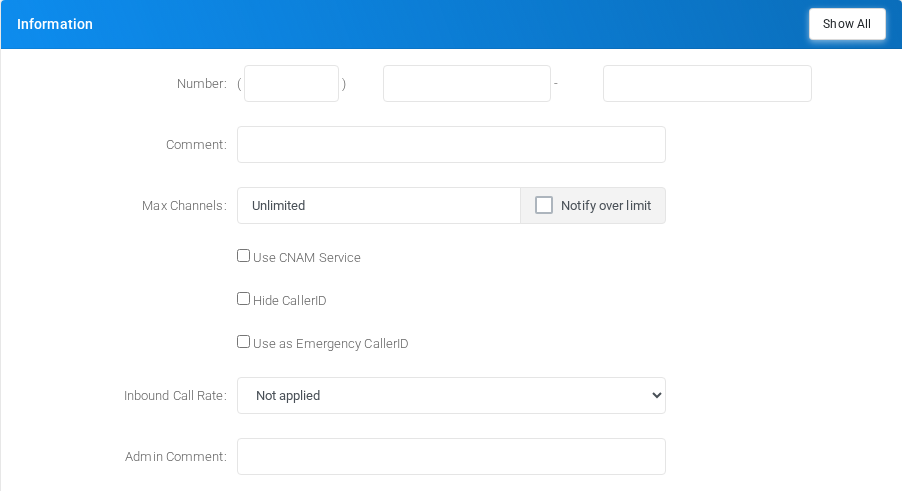
Information section on the DID edit form.
Core identity and routing fields for the object.
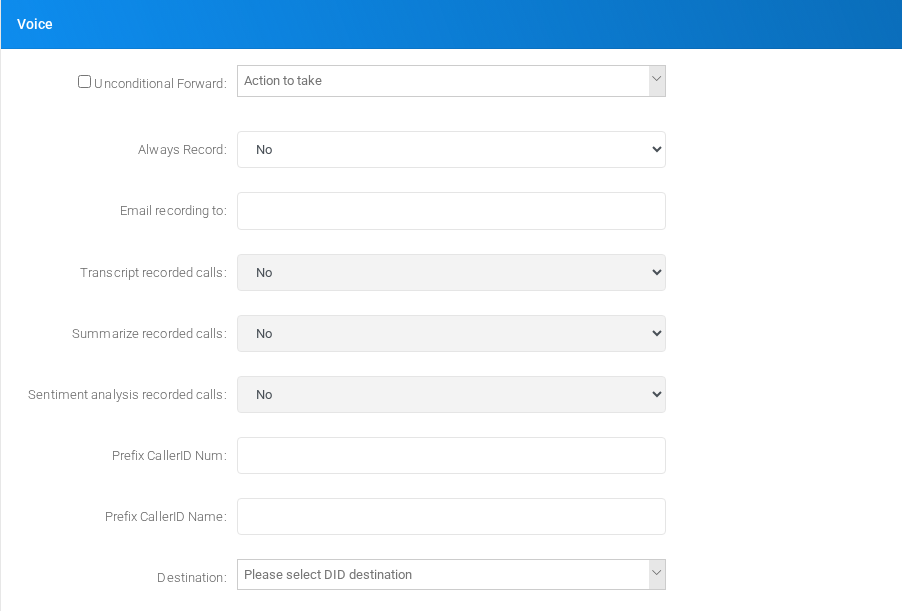
Voice
Voice section on the DID edit form.
Voice calling behavior, caller handling, recording, and voice-specific limits.
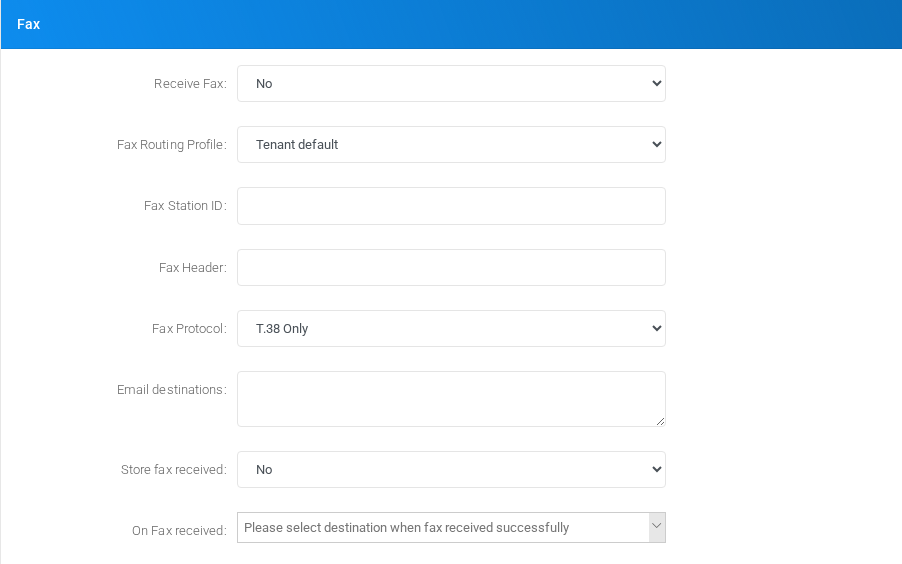
Fax
Fax section on the DID edit form.
Fax handling, quality, storage, delivery, and fax-specific transport settings.
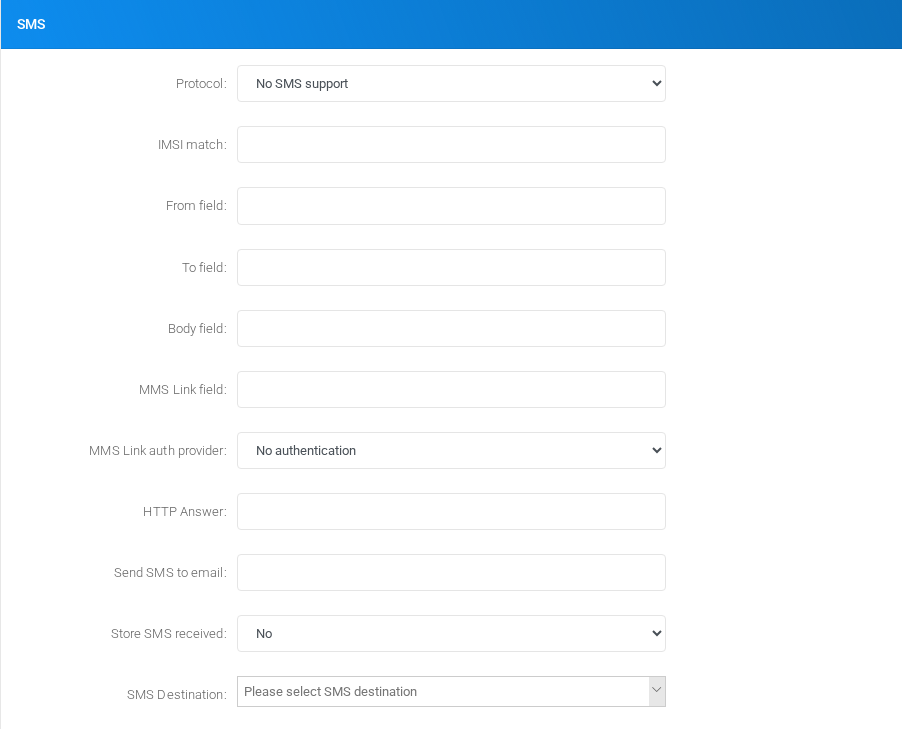
SMS
SMS section on the DID edit form.
SMS protocol, message handling, and field mapping settings.
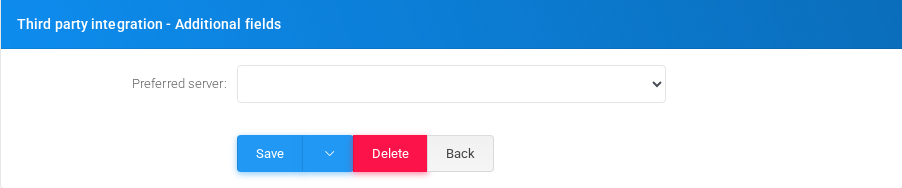
Third party integration - Additional fields
Third party integration additional fields section on the DID edit form.
Settings shown in the Third party integration - Additional fields block.
Main fields
FieldDescriptionNumber:Dialed value, identifier, or matching value used by the PBX.Comment:Administrative note shown in lists and reports.Max Channels:Object setting shown by the form.Notify over limitObject setting shown by the form.cnamObject setting shown by the form.fullprivacyObject setting shown by the form.allowemergencyObject setting shown by the form.Emergency Notes:Administrative note shown in lists and reports.Inbound Call Rate:Object setting shown by the form.DID Provider:Object setting shown by the form.Admin Comment:Administrative note shown in lists and reports.Unconditional Forward:Object setting shown by the form.Always Record:Recording behavior or recording delivery setting.Email recording to:Email address used for notifications, delivery, or mailbox access.Minimum Size (bytes):Object setting shown by the form.Transcript recorded calls:Recording behavior or recording delivery setting.Summarize recorded calls:Recording behavior or recording delivery setting.Sentiment analysis recorded calls:Recording behavior or recording delivery setting.Prefix CallerID Num:Dialed value, identifier, or matching value used by the PBX.Prefix CallerID Name:Display name used in lists and references.Receive Fax:Object setting shown by the form.Fax Routing Profile:Target or routing selection used when the object sends a call or message onward.Forward to number:Dialed value, identifier, or matching value used by the PBX.Printer URL/FTP Storage:Object setting shown by the form.Printer URL/FTP Fax format:Object setting shown by the form.Fax Station ID:Object setting shown by the form.Fax Header:Object setting shown by the form.Fax Protocol:Mode selector that changes the behavior of the object.DID.
Demo records
The tenant contains 2 documentation demo DID records forsuch thisas page: Docs Demo DID 1 and Docs Demo DID 2.2.
Deleting records
Before deleting a DID, check references from call flows, destinations, schedules, reports, or provisioning objects. MiRTA PBX asks for confirmation before the delete is submitted.