
Configuring Recording Storage using Google (Cloud Storage with a Service Account or Google Drive with a Personal Account)
Storing files in Google Drive can be done in two ways: using a Service Account (when you have Google Workspace) or using a Personal Account (when you have the normal @gmail.com email)
Cloud Storage using a Service Account
AccessingFrom Googlewithin Driveyour isGmail notworkspace simple,admin butaccount, I agree with Google about being extremely careful in sharingaccess the Google Drive content. I prefer to use the Service Account to handle the recording storage.
Go in the Google console from the account you want to use for storage
https:http://console.cloud.google.com/
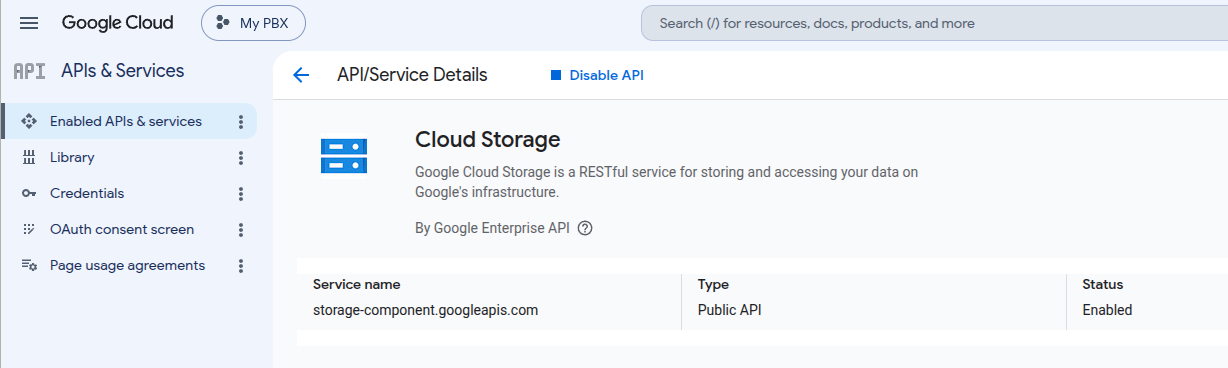
Let'sChoose startyour byproject checkingand ifenable the Cloud Storage API
In the credentials page, create a service account and store the json file in your configuration:
Google Drive using a Personal Account
From within your Gmail account, access the http://console.cloud.google.com/
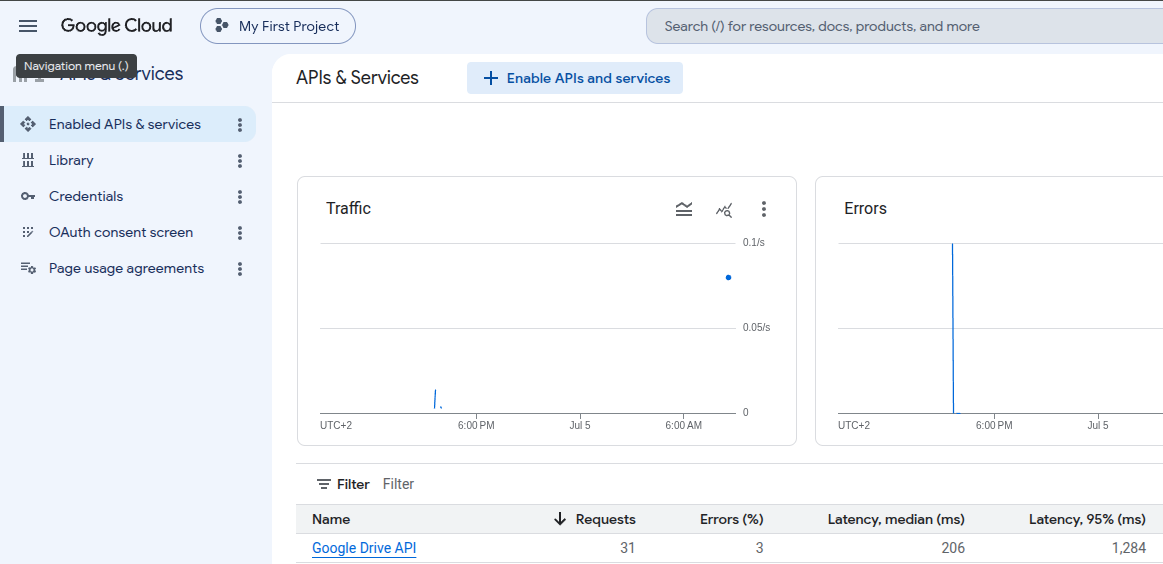
Choose your project and enable the Google Drive API
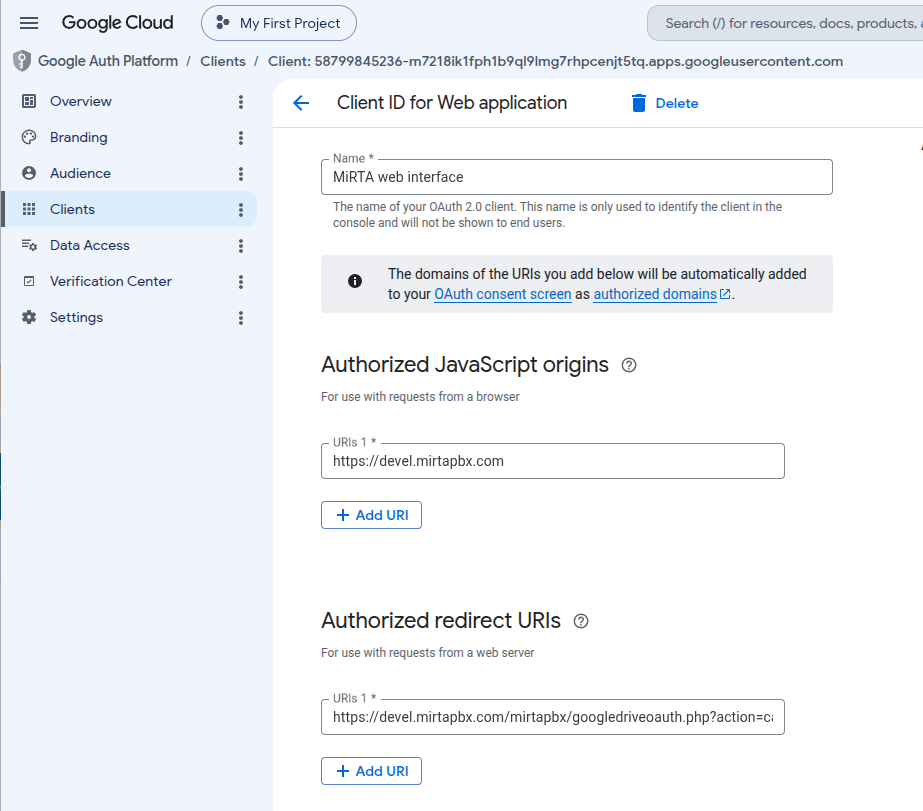
Move into "Enabledthe APIsCredentials page and services"create fora OAuth 2.0 Client IDs
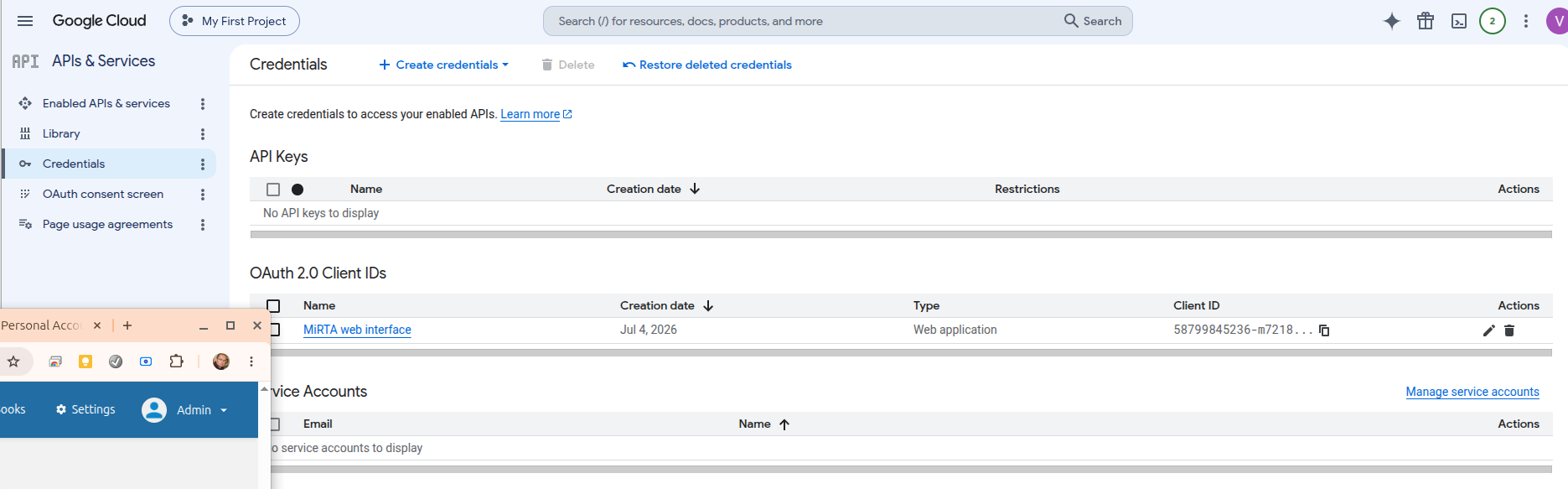
When you create the secret, you can download the json file only once. That will be used inside the Settings page:
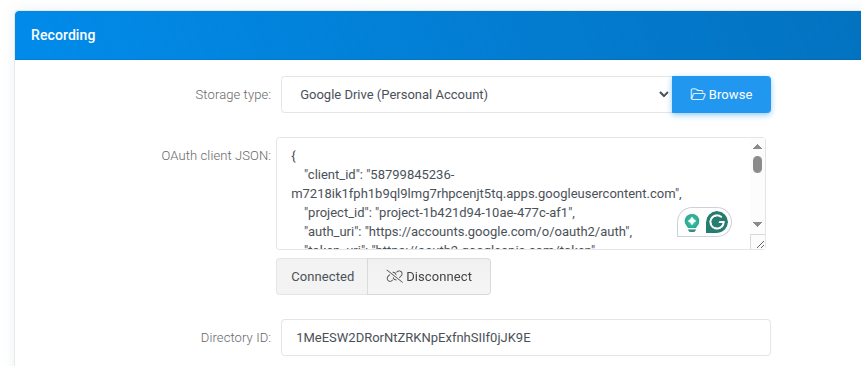
From the APIsGoogle and services page, choose "Credentials" andDrive create a Servicedirectory Account.and enter it to get the Recording ID in the address bar
The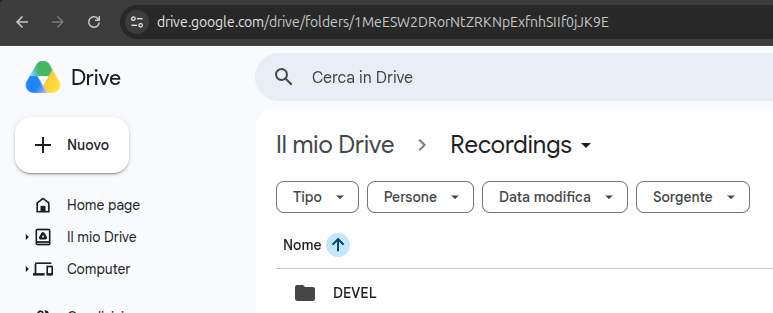
That accountwill hasbe twoused parts:in anthe emailSettings like mirtapbx@resolute-tracer-400008.iam.gserviceaccount.com and a JSON file you need to usepage as credentials.above
Locate the directory you want to use as recording storage in your Google Drive and share itConnect with the serviceOAuth accountprocess. emailCurrently abovethe created. Itcredentials needs to havebe fullused accessonce toevery it.
Access the directory and check the ID of the folder. You can see in the URL, like
https://drive.google.com/drive/folders/1rfOYcmUcoZOTYmioiDtbIuXmI62W5sz7
In MiRTA PBX configuration, you need to enter the folder ID and the content of the JSON file you have downloaded.
