
Use on mobile device
MiRTA PBX is a web application and can also be used from a mobile phone browser. Use the same MiRTA PBX address, username, password, and tenant selection process that you use on a desktop browser.
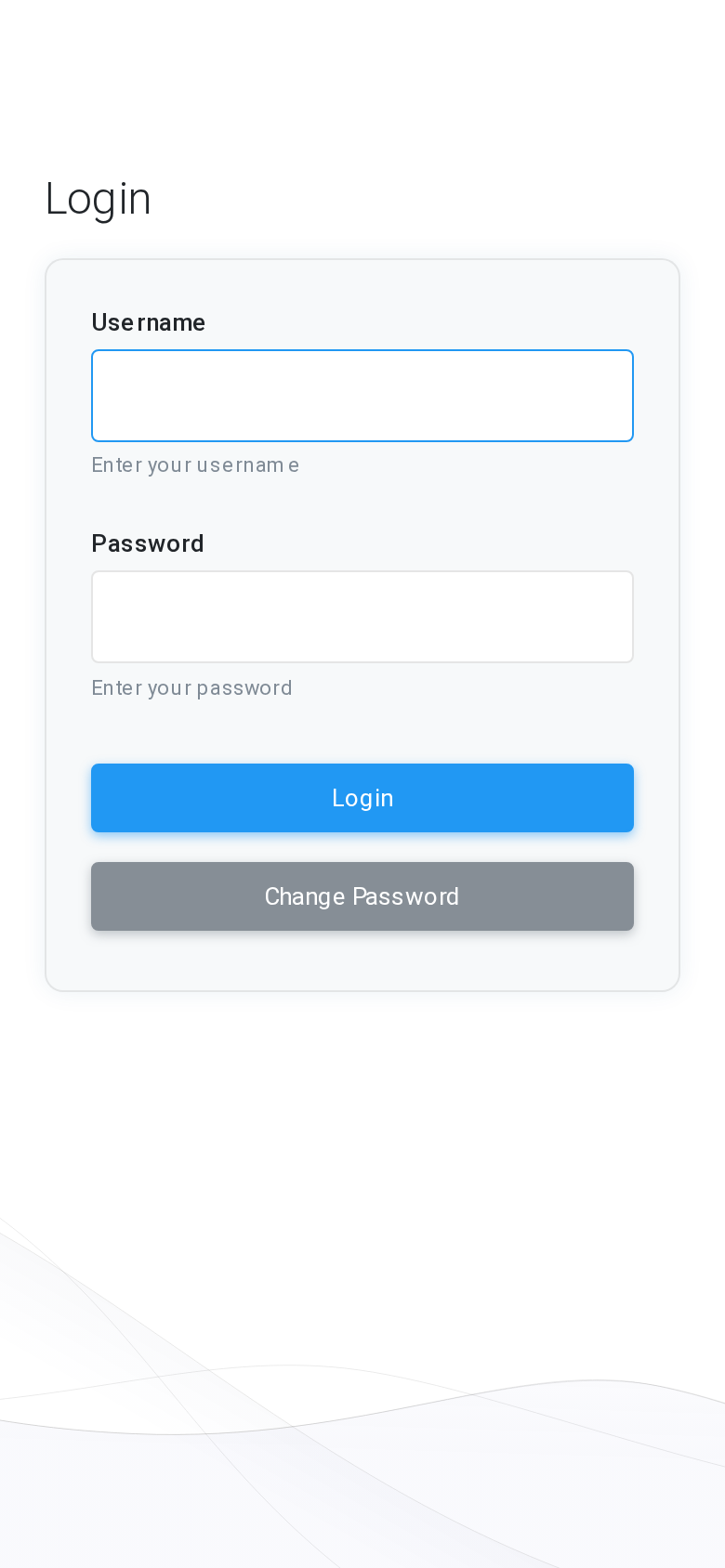
Log in from a phone
- Open the MiRTA PBX web address in the phone browser.
- Enter your Username and Password.
- Select Login.
- If your account requires a second authentication step, complete it before continuing.
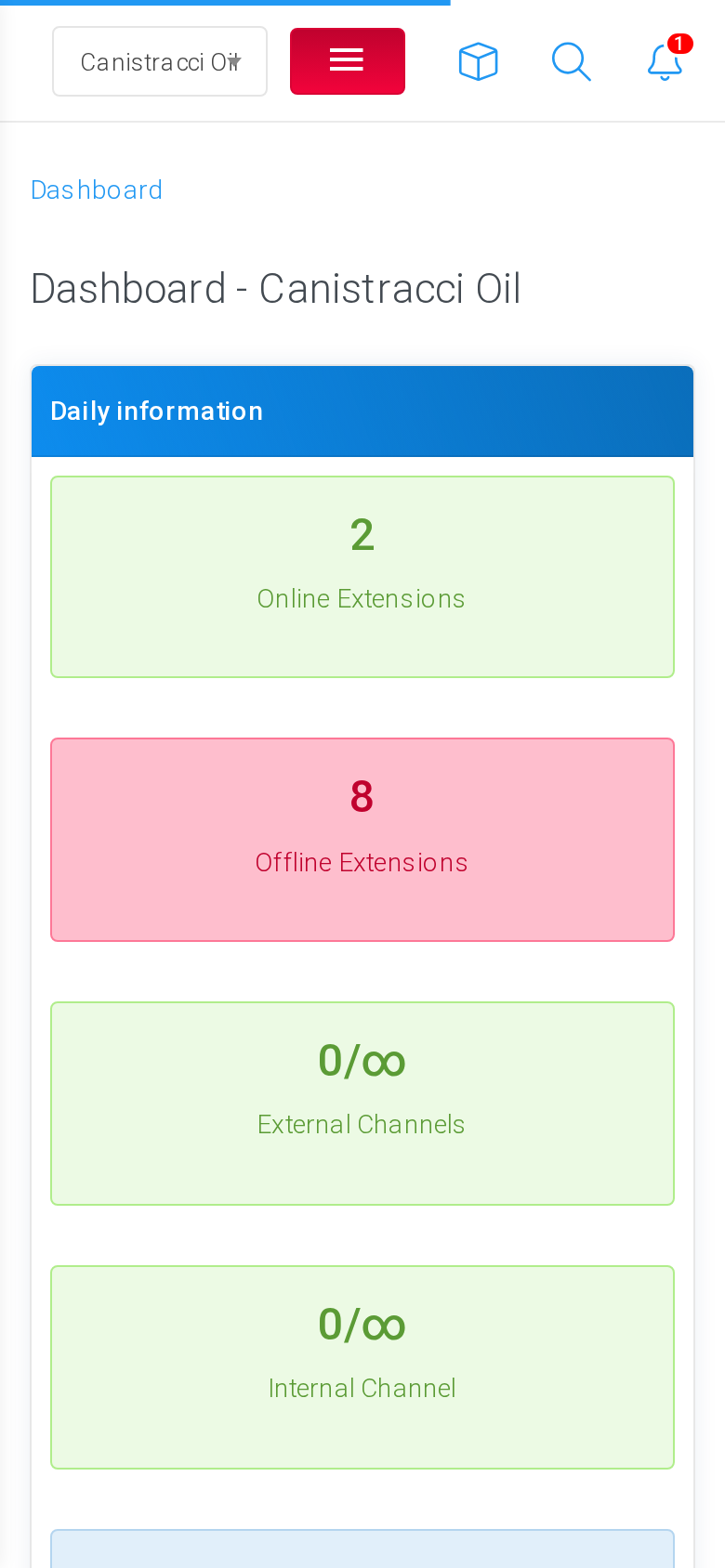
Work with the mobile layout
After login, the same tenant-aware interface is available on the phone. The selected tenant remains visible in the header area, and the page content adapts to the narrower screen.
Before changing configuration, verify that the selected tenant is correct. Any page opened from the mobile interface uses the tenant currently selected in the header.
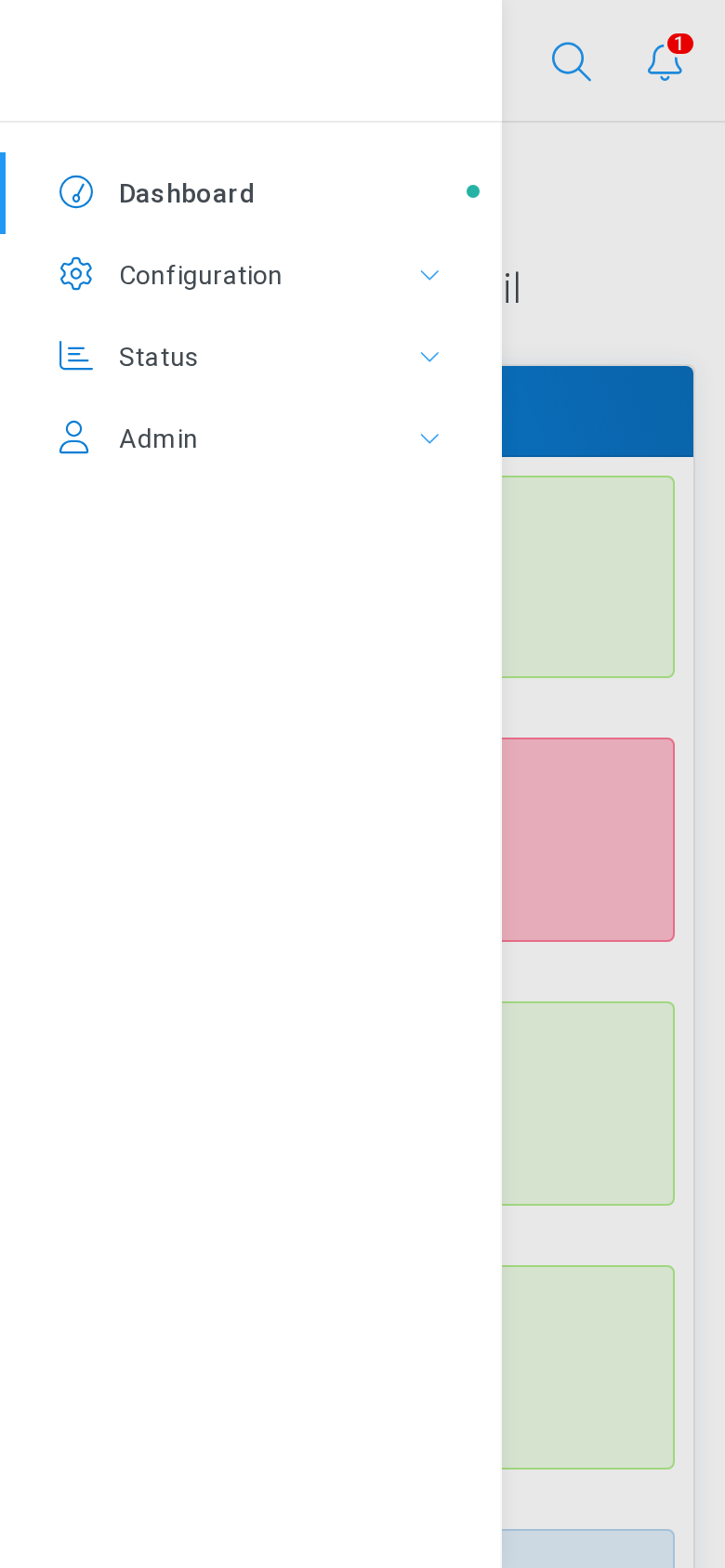
Open the navigation menu
On a phone, the left navigation is hidden until it is needed. Select the menu icon in the header to open the navigation drawer, then choose the same sections you use on desktop, such as Configuration, Status, or Admin.
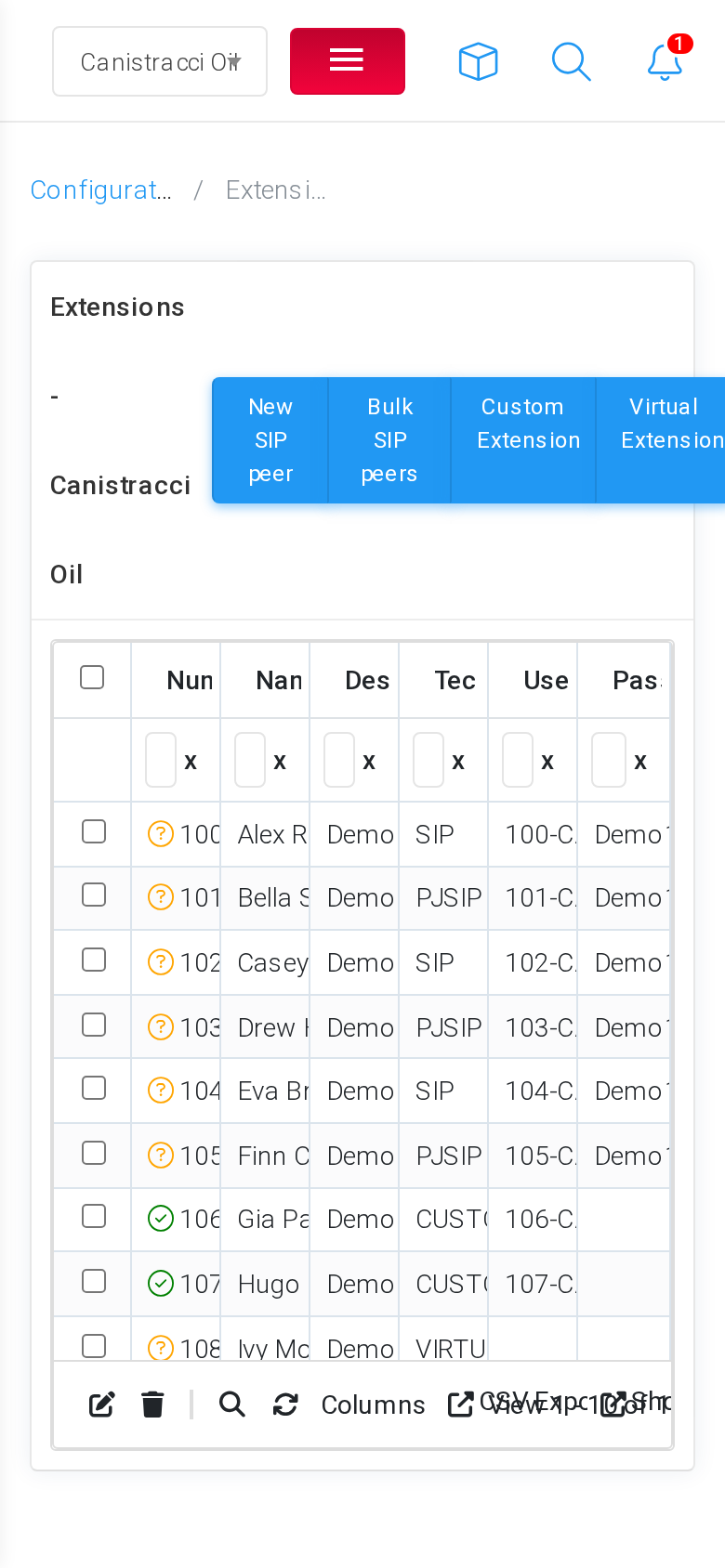
Use configuration pages
Configuration pages can be opened and edited from the mobile interface. Forms, buttons, filters, and tables remain available, although wide tables may require horizontal scrolling or a desktop browser for longer editing sessions.
Recommended use
| Use case | Recommendation |
|---|---|
| Quick checks | Use the phone interface to check tenant selection, status pages, recent records, and simple configuration values. |
| Small changes | Use the phone interface for short edits when the required fields are visible and easy to review. |
| Large changes | Use a desktop browser for long forms, large grids, bulk actions, or changes that require comparing many fields. |
No comments to display
No comments to display