
Read a number from the caller and run an AGI script using it as parameter
This example is written for the Canistracci OIL tenant. Create the objects with a Docs Demo prefix, test them on non-production numbers, and then adapt the same structure for the production tenant.
Let's make the example of a service to verify if a code provided by the user is valid or not, by checking in a database.
As first step we'll create a media file to ask to the user the number.
400px
Then we'll create a "Custom Destination" to read the number from the user
400px
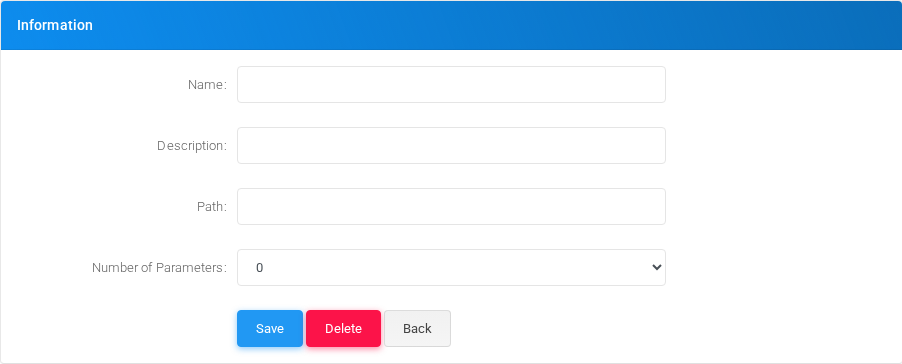
Let's define an AGI script to test if the code is good or not. We'll send the number entered as parameter. As an additional parameter, we'll send the callerid number of the caller
400px
Then we can create the custom destination to use the AGI script defined. As first parameter we'll use the variable holding the code entered ${USR-usercode} and as second parameter the callerid of the caller.
400px
The AGI script in this case will set the variable AGIRESULT to TRUE/FALSE, so this value can be evaluated in a condition
Validation
- Confirm the tenant selected in the top bar is Canistracci OIL before creating the example.
- Verify the created objects appear in the expected Configuration menu page.
- Place a controlled test call or run the related status check.
- Remove or disable temporary test numbers when the example is no longer needed.
No comments to display
No comments to display