
Collect feedback from clients calling support
This example is written for the Canistracci OIL tenant. Create the objects with a Docs Demo prefix, test them on non-production numbers, and then adapt the same structure for the production tenant.
It is now simple and easy to collect a feedback from a call, like a call to a support group. It can be done for calls going to Hunt Groups or to Queues.
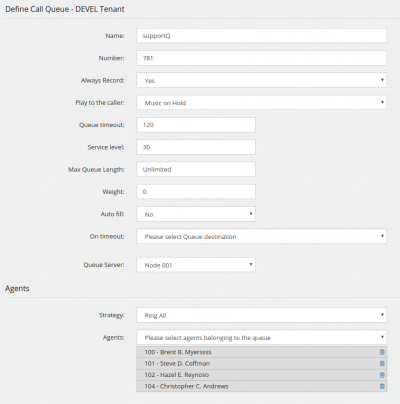
Start by creating your queue, in the normal way.
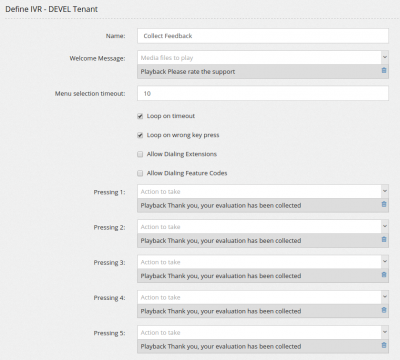
Proceed in creating the feedback collector, using an IVR with some response values. In this case just from 1 to 5.
Arrange all together by using the Special Destination "Continue execution when called party hangup"

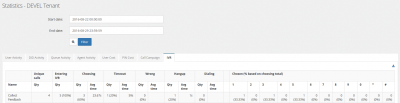
The outcome of the IVR/Feedback/Poll, can be easily seen in the Stats/IVR
If you like to measure the performance for each agent, you need to create an IVR for each agent and then select it using a condition. The condition needs to check the system variable MEMBERNAME. Unfortunately, by design (bad design) it is not possible to query a system variable directly, so you need to first assign the system variable to an USR variable and then test it.
Validation
- Confirm the tenant selected in the top bar is Canistracci OIL before creating the example.
- Verify the created objects appear in the expected Configuration menu page.
- Place a controlled test call or run the related status check.
- Remove or disable temporary test numbers when the example is no longer needed.
No comments to display
No comments to display