
Grandstream GXP2130
This is an executive phone compatible with the predefined “Grandstream GXP” template.
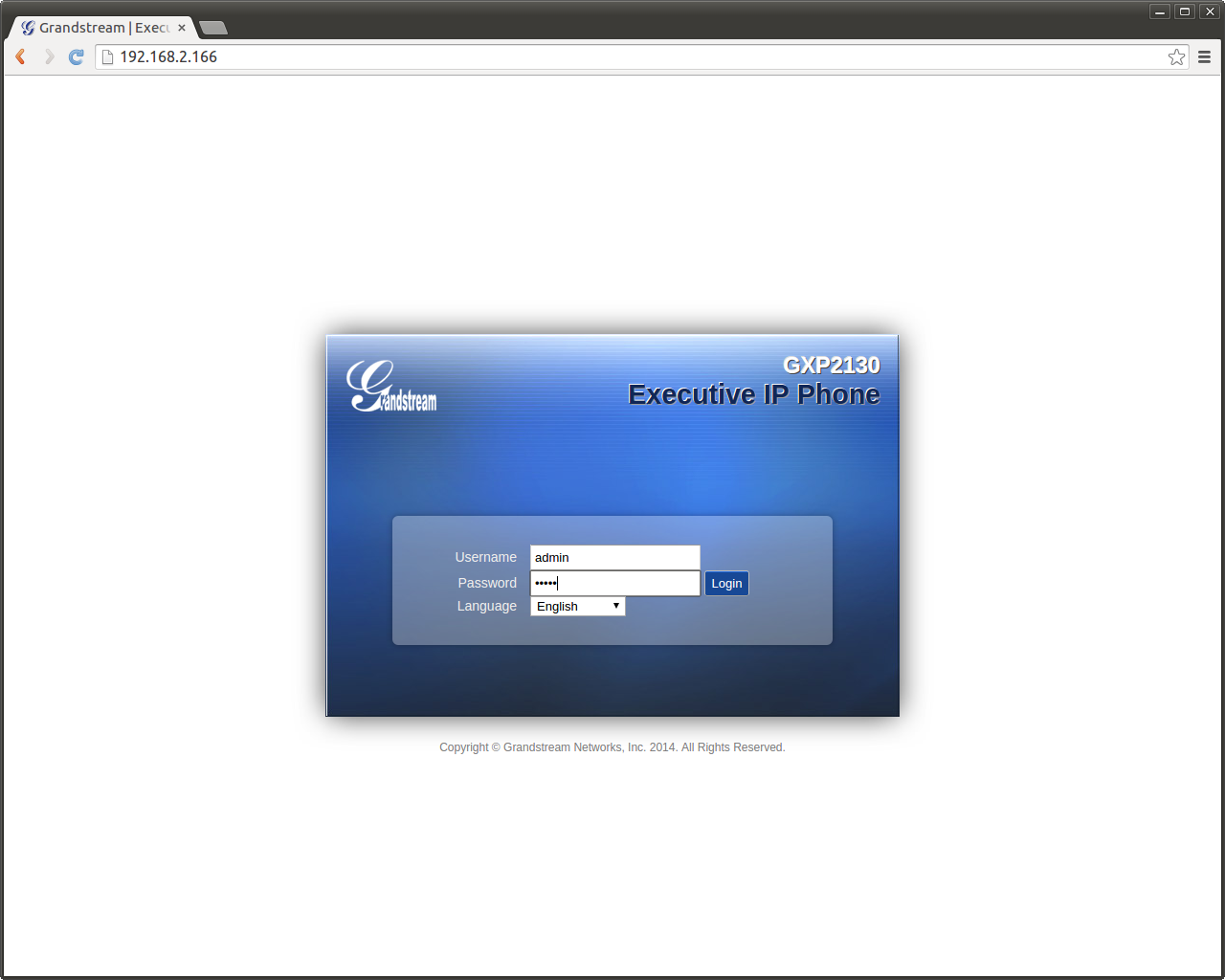
Log into the phone interface
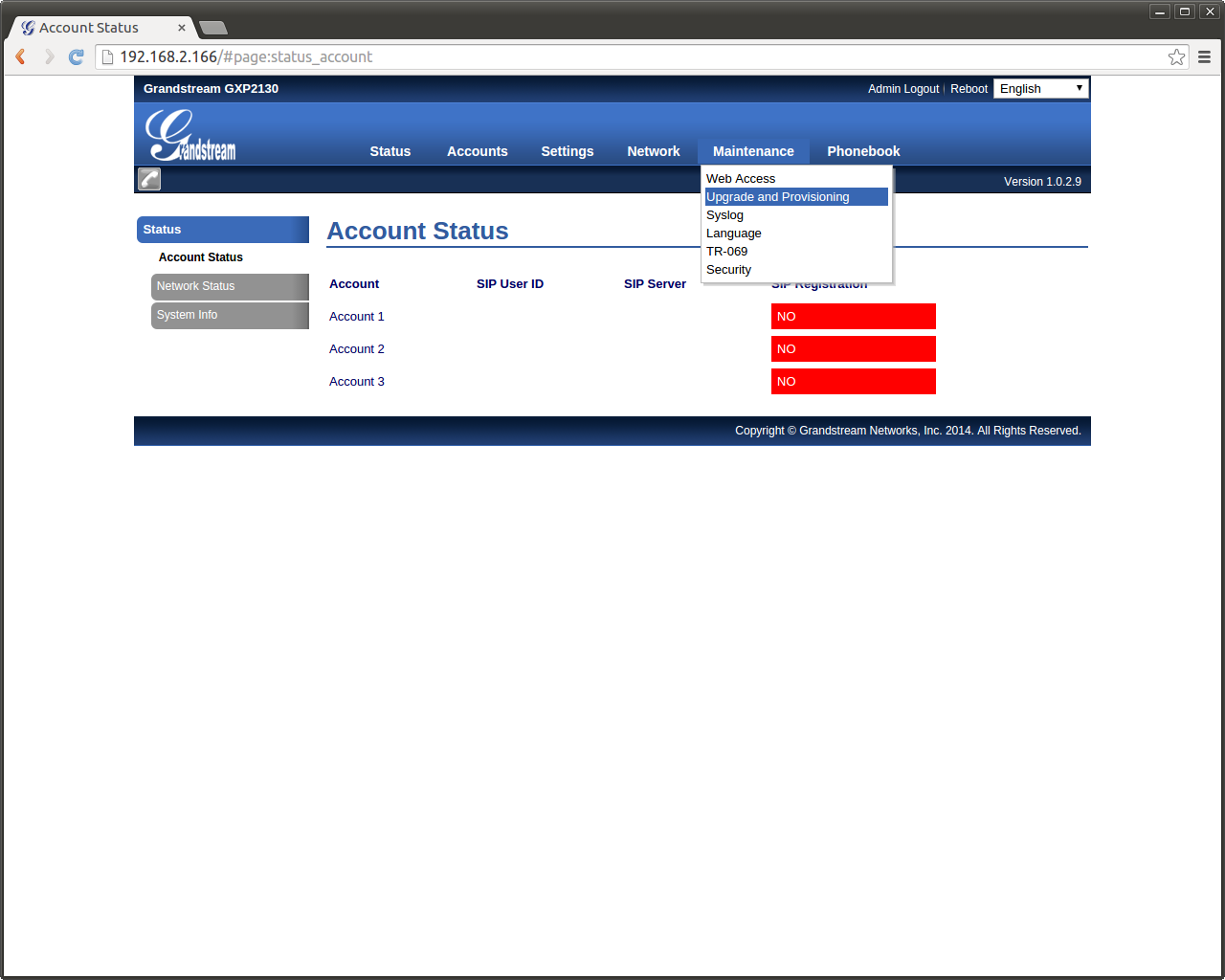
Locate the Upgrade and Provisioning menu
Configure as shown below
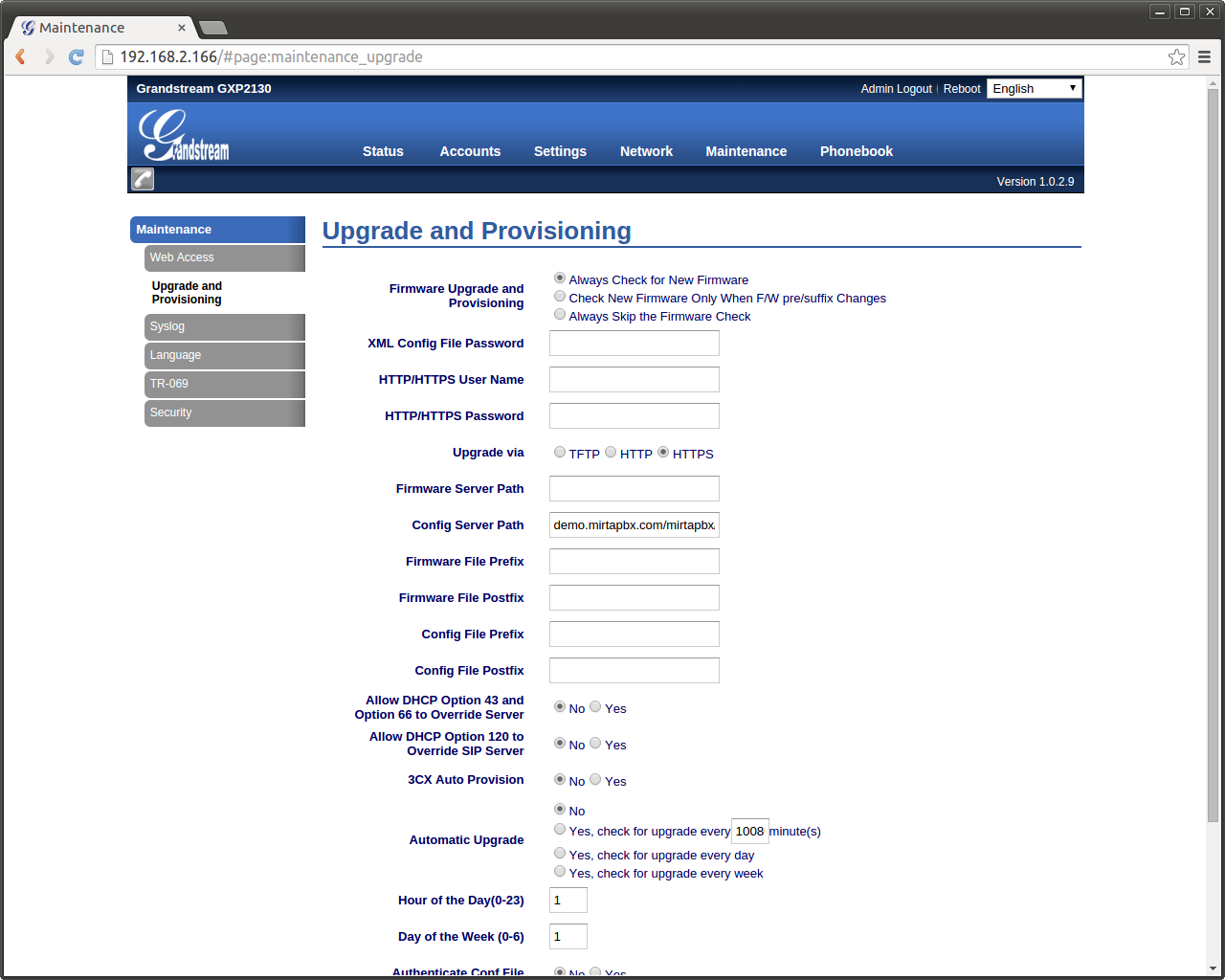
In detail, select Upgrade via “HTTPS”, clean Firmware Server Path if not used, enter the Config Server Path as shown on the Configuration/Provisioning/Phones page, in this example: demo.mirtapbx.com/mirtapbx/autoprovision/RuLPYWuESutnFCtc/ Do not enter the protocol! Set the DHCP options to No if not used, save and apply. Reboot your phone.
No comments to display
No comments to display