
Overview
The Settings page edits tenant-wide dialing, recording, AI, fax, API, destination, security, and call settings. Open it from Configuration > Settings.
The page works against the tenant currently selected in the top bar. The screenshots and demo rows were captured in the Canistracci OIL tenant.
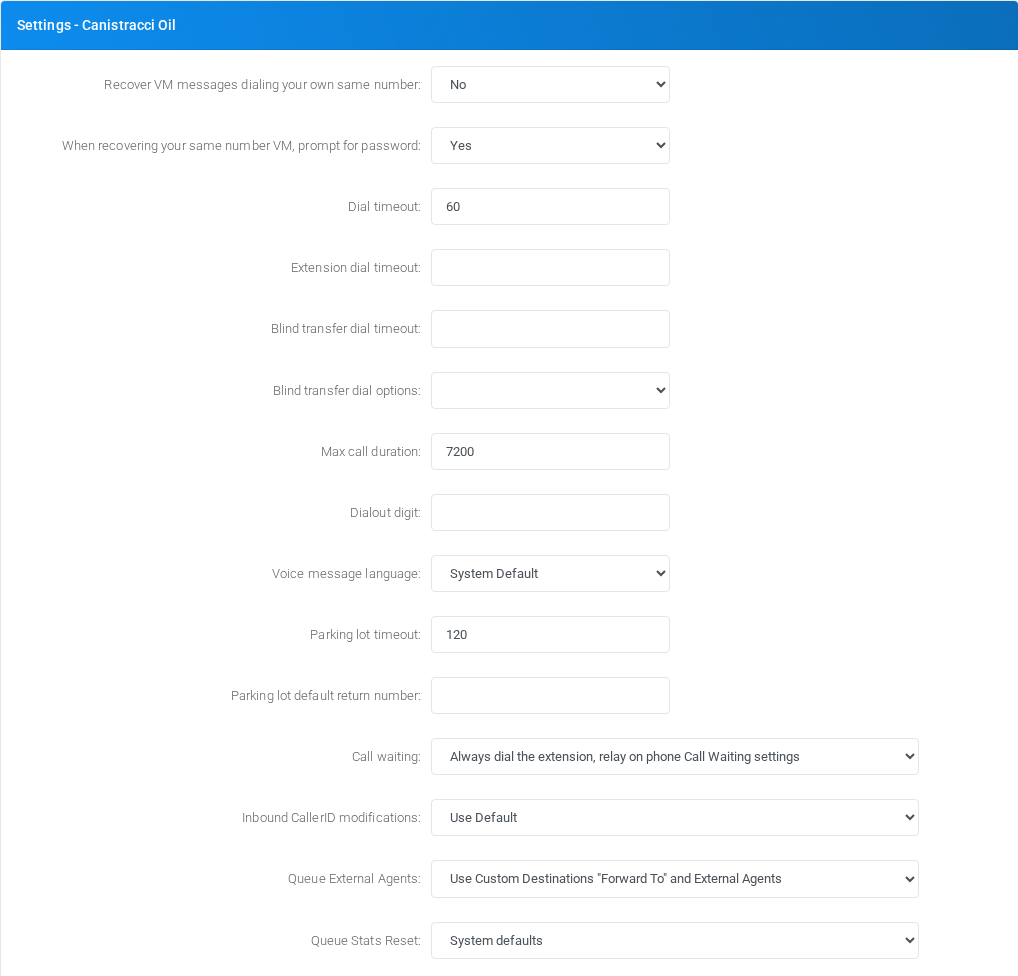
Working with objects
| Task | How to do it |
|---|---|
| Edit | Change the required settings and select Save. The page edits tenant settings directly. |
| Delete | There is no delete action for the Settings page itself. Delete actions are handled on the linked object pages. |
Page functions
| Action | Description |
|---|---|
| Edit | Runs the Edit action. |
| Speech to Text | Runs the Speech to Text action. |
| Test | Runs a test for the selected configuration. |
| Autofill | Runs the Autofill action. |
| Manage CNAM Cache | Opens the related management page. |
| Generate | Generates a value for the adjacent field. |
| Exceptions | Runs the Exceptions action. |
| Manage IP List | Opens the related management page. |
| Save | Saves the current form. |
| Manager Users | Opens the related management page. |
| Pickup group names | Runs the Pickup group names action. |
| Internal Phone Book | Runs the Internal Phone Book action. |
| Internal Routing Rules | Runs the Internal Routing Rules action. |
| Outbound PIN codes | Runs the Outbound PIN codes action. |
No comments to display
No comments to display