
Overview
The Dialing Exceptions page controls which extensions can dial selected feature codes, patterns, or destination groups. Open it from Configuration > Settings > Exceptions.
The page works against the tenant currently selected in the top bar. The screenshots and demo rows were captured in the Canistracci OIL tenant.
Working with objects
| Task | How to do it |
|---|---|
| Edit | Change the checkbox matrix to allow or block specific dialing patterns, then save or test the result. |
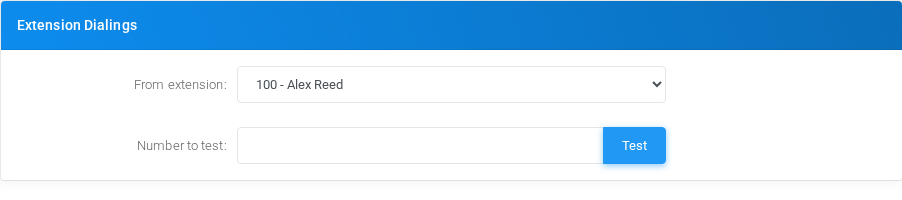
| Test | Use the test controls to validate how a number is handled for a selected extension. |
| Delete | There is no separate delete action because the page stores rule states, not independent rows. |
Page functions
| Action | Description |
|---|---|
| Test | Runs a test for the selected configuration. |
Demo records
The tenant contains 1 documentation demo record for this page: an advanced dialing exception from ^10[0-9]$ to ^\*900$.
No comments to display
No comments to display